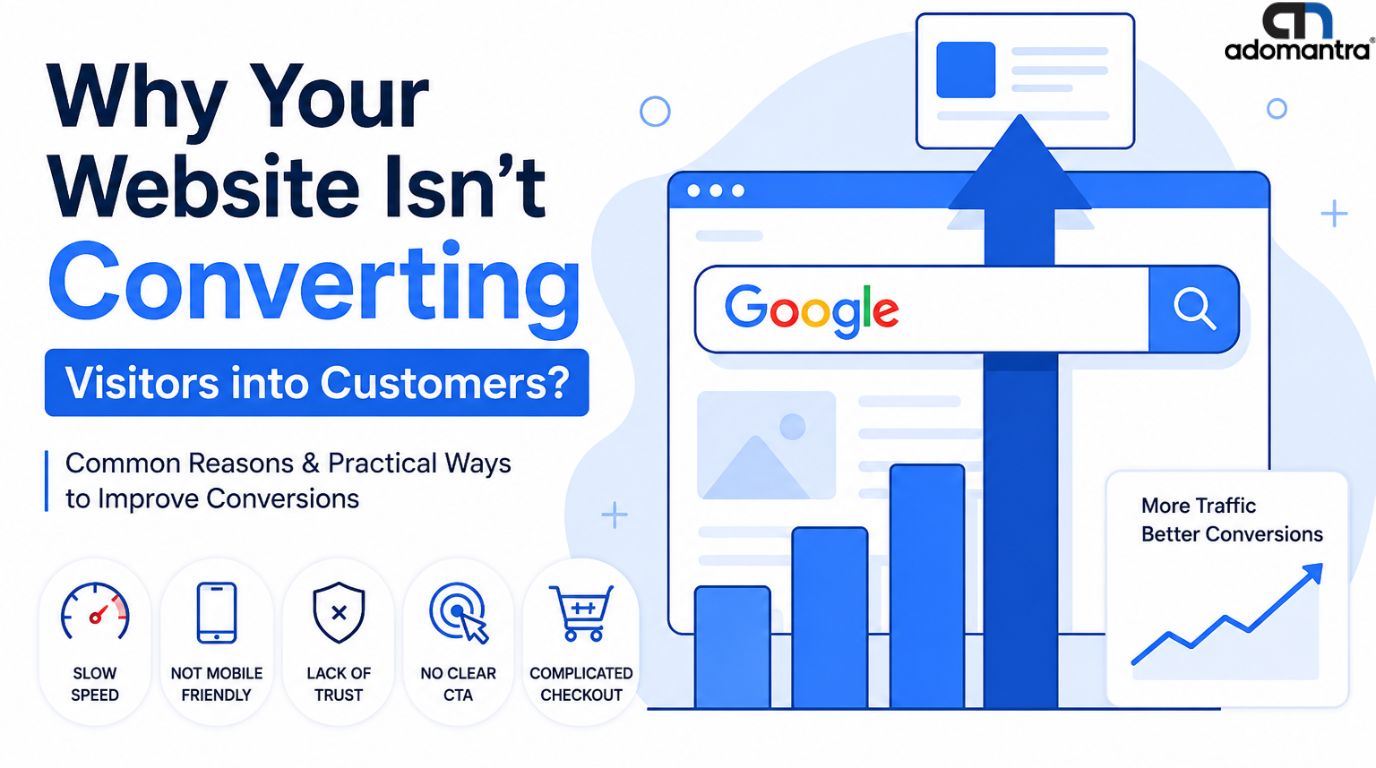
Why Your Website Isn't Converting Visitors into Customers?
You are getting a lot of traffic on your site. People are landing on your page every single day. But sales?? They are barely holding up. Sounds relatable?? Well, you are not the only one wondering “why is my website not converting visits into sales?”
And before you ask, no, you are not doing everything wrong. You're just overlooking the key pieces.
This guide tells you exactly how to convert website visitors into customers.
What Counts as a “Good” Conversion Rate?
Before you get disappointed by your site’s performance, it is important to know what the normal response is. To appear "good", the average website conversion rate is around 2 to 3% for most industries. That means only 2-3 visitors out of 100 take action.
Let's understand this further:
- The typical website conversion rate for most business websites lies somewhere between 2% and 5%.
- The average conversion rate for ecommerce website pages is usually around 2–3%. But the top performers hit the mark of 5% or more.
- The average traffic ecommerce site owners see doesn't always match sales numbers. High traffic with low conversion is extremely common, especially with paid ads or social traffic.
- The average B2B website conversion rate tends to be a bit higher, often around 3–5%. Since B2B visitors are generally more intentional and already looking for a solution, they are more likely to convert into customers.
- The average site conversion rate also depends heavily on your niche. It is safe to say a local service business and a global ecommerce store won't have the same benchmark.
- Finance and B2B services tend to convert higher, while fashion and general retail often are on the lower mark due to more casual browsing among the audience.
So even if you are at a rate of 1-2%, that doesn't mean you’re broken. You are heading in the right direction and have real room to grow.
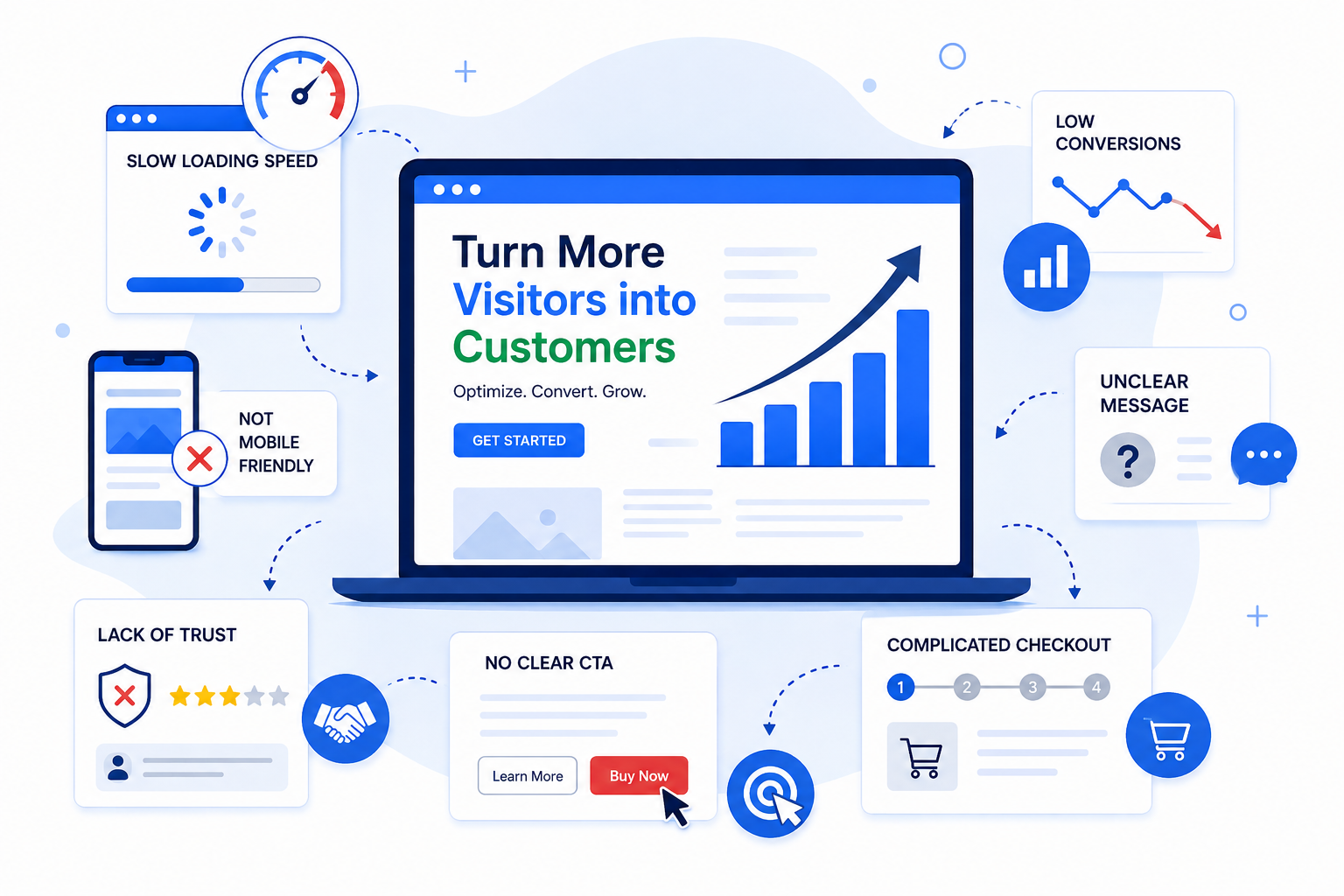
Common Reasons Your Website Isn't Converting
A lot of low-converting websites keep asking “why is my website not converting?” They are usually facing a bunch of small and fixable issues that are silently affecting the website negatively.
Let's understand the most common reasons website is not converting:
1. Your Message Is Confusing
If a visitor cannot figure out what you do in 5 seconds by looking at your homepage, they’ll leave. This happens when the headline is too confusing or vague. There is no clear message conveyed.
Write exactly what you offer and who it is for at the beginning of the page. The twisted wording can confuse your audience. Clarity always wins the first impression.
2. No Clear Call to Action
There is a high chance that if there is no clear “Buy Now” or “Get Started” mentioned, people simply won't figure out what the next steps are. Visitors won't take the time to hunt your site. If the next steps on your site aren't obvious, they might lose interest in looking further. Make sure your main button for call to action (CTA) stands out with colour and placement.
PRO TIP: Repeat your CTA more than once on longer pages.
3. Slow Loading Speed
Sometimes the answer to “why is my website not converting?” can be really simple. Every extra second of load time can lose you potential customers. People don't prefer to wait around for loading anymore. Studies have consistently proved that even a delay of a second or two can cause a significant drop in sales or sign-ups.
Google’s own Core Web Vitals standards show that your main content should load in under 2.5 seconds. This is measured as Largest Contentful Point or LCP.
Major culprits for slow loading are usually oversized images, too many plugins, or slow hosting. The good news is that all these problems are fixable without needing a full rebuild.
4. Not Mobile-Friendly
A very big part of your visitors are browsing from their phones. This number adds up to nearly 60% of the audience for big industries. If your site is too impractical for mobile users, you are losing many customers. Tiny buttons, text that needs zooming, or forms that are inconvenient to fill out on a small screen will urge people to click exit.
Google also uses “mobile-first indexing”, which basically means that it ranks your site based on how well it performs on mobile. It is advised to always test your site on an actual phone and not just on desktops.
5. Lack of Trust
Before trusting your site, people mostly look for proof that you are real. For example, if you own a travelling platform, then they might want to see how many travellers have used your services. This means you have to provide real numbers, real feedback, or real pictures to build trust.
In the absence of testimonials, reviews, or clear contact information, individuals may hesitate to provide their personal information or financial information.
Simple things like an SSL certificate, customer reviews, real photos, and a visible contact number can silently make the visitor trust your site more.
6. Too Many Steps With No Support
Too many clicks and forms with the support of an AI chatbot that isn't solving the query properly sounds like too much of a fight for anyone. Every extra field, page, or confirmation without proper customer support is another chance for a customer to change their mind or get distracted.
Research from the Baymard Institute has found that cutting a form down from 11 fields to just 4 can lift conversions significantly. Check the path from landing page to final step and eliminate anything that isn't truly needed.
How to Reduce Checkout Abandonment?
If you run an online store, you must know that cart abandonment is one of the biggest killers of sales. Industry research places the average online cart abandonment rate at nearly 70%. That means 7 out of 10 people who add something to their cart never end up buying the product.
Here's how to reduce checkout abandonment without a major redesign on your website:
| Checkout Problem | Simple Fix |
|---|---|
| Surprise costs at the last step | Show shipping costs early on. Any hidden fees are the prime reason people leave. |
| Forced account creation | Offer users a guest checkout instead |
| Long, tiring forms | Keep the checkout short and simple. Ask only for what you truly need |
| No sense of security | Add trust badges near the payment section to build trust. |
| Carts left behind | Send a friendly reminder email to your user. |
| Limited payment choices | Offer multiple payment options for users' convenience. |
Start by focusing on two or three issues at a time, and you will see improvement in numbers happening slowly.
How to Convert Website Visitors into Customers?
Converting a visitor into a customer is about making the “yes” feel easy. They should be able to feel comfortable continuing to explore.
Here are some tips on how to convert website visitors into customers, for practical use:
- Make Your Value Obvious: Within seconds, a visitor should know what you offer and why it matters to them.
- Use One Clear Call to Action Per Page: Don't confuse people with five different buttons pointing in five directions. This creates “the paradox of choice”, where too many options actually lower your conversion rate.
- Add Real Proof: Testimonials, reviews, and case studies are necessary. Real people will only trust real people, not any marketing copy.
- Speed Things Up: Compress images (use tools like TinyPNG), clean up your code, and cut anything that is slowing your site down.
- Make Forms Shorter: Every extra step is a chance for a potential customer to give up. So, if your site includes forms, then try to keep them short and give choices.
- Use Live Chat or Simple FAQs: Answering hesitations in real time removes friction before it turns into a lost sale. Have a proper support system to connect with users.
- Run A/B Tests: This just means showing two versions of a page. Check out two different headlines or button colors to see which one performs better. Use real visitor data instead of guesswork. Tools like Google Optimize alternatives (such as VWO or Unbounce) make this process easy, even for small sites.
- Track Your Funnel: Use heatmap tools (like Hotjar or Microsoft Clarity) to see exactly where people click, scroll, and drop off. This helps turn guessing into clear data.
These are some website conversion rate optimization tips that don't need a major rebuild to your website. You just need to focus on some small changes.
Struggling to Turn Traffic into Customers?
Actually figuring out what’s wrong with your website and fixing it can sometimes be a hassle. This is where Adomantra can help. We specialize in expertise across conversion-focused website development, SEO services, PPC, and data-driven campaign optimization.
Whether the issue in your website lies in a slow site, a confusing message, weak trust signals, or a checkout, it is affecting your sales. Adomantra’s team can help you redesign the site and show you exactly what the issue is and how to fix it.
Final Thoughts
Low conversions are usually just a brief moment of a user getting confused, impatient, or unsure, which results in them clicking the exit button. Fortunately, these moments are avoidable without investing in a big budget or going through a major redesign.
Start small by fixing one issue from the list every week and check your numbers again after a month. Conversion rate optimization is about having a habit of clearing little bumps out of the way. And if you'd rather have experts handle it for you, our team at Adomantra can help you out. Let us turn the traffic you are getting already into a real and measurable business outcome.
FAQs
Q1: What's a good conversion rate for my website?
A: Basically, it depends on the industry. But to give you an average value, a good conversion rate can fall between 2% and 5%.
Q2: Does mobile experience really matter that much?
A: Yes. Since most traffic comes from mobile phones, an impractical mobile site can lose you half your potential customers.
Q3: How do I know where visitors are dropping off?
A: Set up funnel tracking in Google Analytics 4, or use a heatmap tool like Hotjar or Microsoft Clarity to watch real visitor behavior in action.