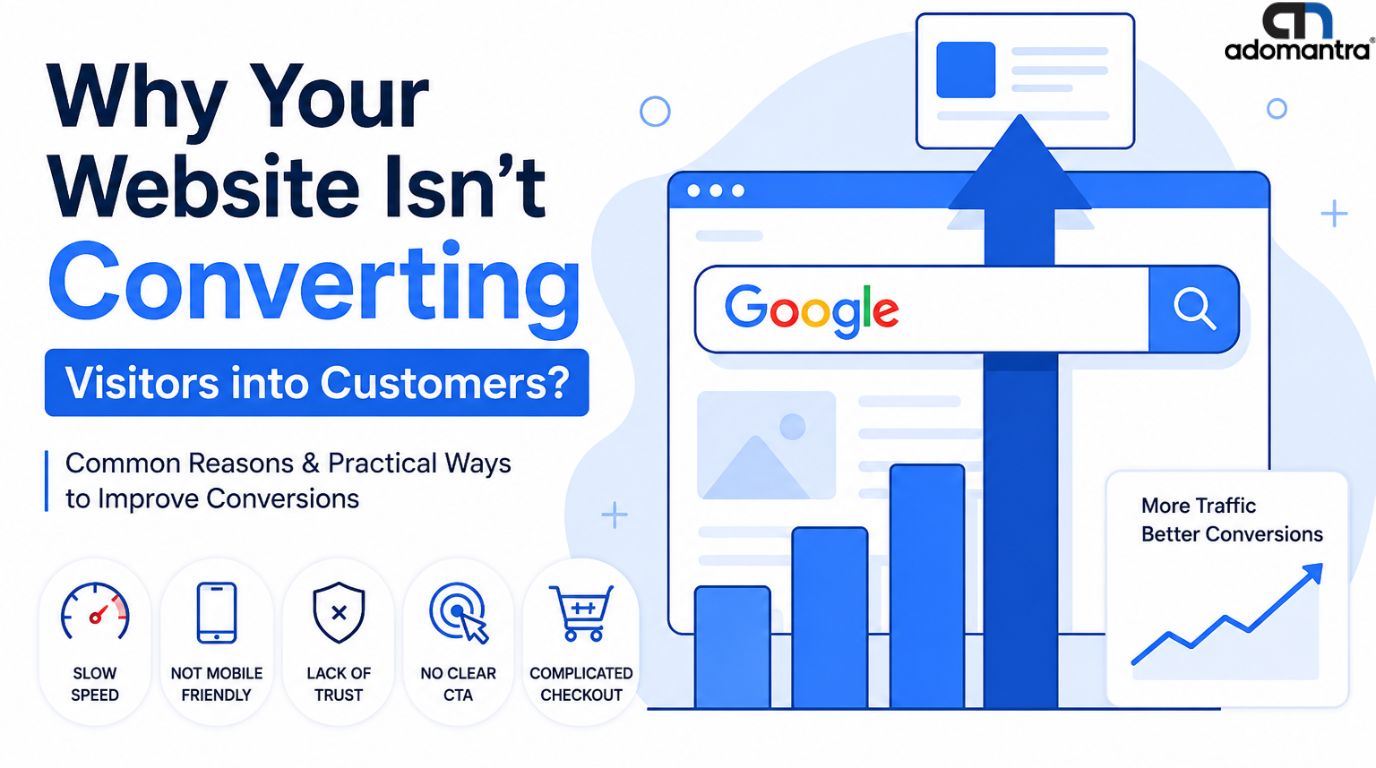

How User Experience (UX) Affects SEO Rankings: 15 Proven Factors That Matter
In today's competitive digital landscape, simply targeting the right keywords is no longer enough to achieve top rankings on Google. Search engines have become increasingly sophisticated, focusing not only on content relevance but also on how users interact with websites. This shift has made User Experience (UX) a critical component of successful Search Engine Optimization (SEO).
A website may have excellent content, but if users struggle to navigate, encounter slow loading times, or face a poor mobile experience, search engines may interpret these signals as indicators of low quality. Conversely, websites that provide seamless, engaging, and user-friendly experiences often enjoy better rankings, increased traffic, and higher conversion rates.
In this comprehensive guide, we'll explore the relationship between UX and SEO, the ranking factors influenced by user experience, and actionable strategies to improve both user satisfaction and search visibility.
What Is User Experience (UX)?
User Experience (UX) refers to the overall experience a visitor has while interacting with a website, application, or digital product. It encompasses every aspect of a user's journey, including usability, accessibility, design, navigation, responsiveness, and content presentation.
The goal of UX is to create an experience that is intuitive, efficient, and enjoyable, allowing users to achieve their objectives with minimal friction.
Key Components of UX
- Website usability
- Mobile responsiveness
- Navigation structure
- Page speed
- Content readability
- Accessibility
- Visual design
- Interactive elements
- User engagement
- Site architecture
When these elements work together effectively, visitors are more likely to stay longer, engage with content, and convert into customers.
What Is the Relationship Between UX and SEO?
User experience and SEO are closely connected. While SEO helps users find your website through search engines, UX ensures they have a positive experience once they arrive.
Google's mission is to deliver the most relevant and satisfying results to users. As a result, websites that offer excellent user experiences often receive better rankings because they align with Google's objective of satisfying search intent.
How UX Supports SEO
| UX Factor | SEO Impact |
|---|---|
| Fast loading speed | Better rankings and lower bounce rates |
| Mobile-friendly design | Supports mobile-first indexing |
| Clear navigation | Improves crawlability and indexing |
| Readable content | Increases engagement |
| Strong accessibility | Enhances user satisfaction |
| Positive engagement | Improves user signals |
A successful SEO strategy must prioritize both technical optimization and user experience.
Why UX Matters for SEO Rankings
Google increasingly evaluates websites through user-centric metrics and page experience signals.
Benefits of strong UX for SEO include:
- Lower bounce rates
- Longer session durations
- Increased pages per session
- Better Core Web Vitals scores
- Improved mobile usability
- Higher click-through rates
- Greater user engagement
- Better crawlability and indexability
- Increased conversion rates
A website that meets user expectations is more likely to rank higher and generate sustainable organic traffic.
15 Proven UX Factors That Affect SEO Rankings
1. Page Speed
Page speed remains one of the most important UX and SEO factors.
Users expect websites to load within seconds. Slow-loading pages frustrate visitors and often lead to abandonment.
How to Improve Page Speed
- Compress images
- Enable browser caching
- Use a Content Delivery Network (CDN)
- Minify CSS and JavaScript
- Optimize server response times
2. Mobile Friendliness
Google uses mobile-first indexing, meaning it primarily evaluates the mobile version of a website for ranking purposes.
A responsive website improves usability across all devices.
Best Practices
- Responsive design
- Mobile-friendly navigation
- Readable font sizes
- Touch-friendly buttons
- Fast mobile loading speed
3. Core Web Vitals
Core Web Vitals are Google's page experience metrics.
Largest Contentful Paint (LCP)
Measures loading performance.
Recommended Target: Under 2.5 seconds
Interaction to Next Paint (INP)
Measures responsiveness.
Recommended Target: Under 200 milliseconds
Cumulative Layout Shift (CLS)
Measures visual stability.
Recommended Target: Below 0.1
Improving these metrics can directly support search visibility.
4. Website Navigation
Users should find information quickly and effortlessly.
Navigation Best Practices
- Logical hierarchy
- Clear menus
- Breadcrumb navigation
- Search functionality
- Internal linking
Good navigation helps both users and search engines understand website structure.
5. Content Readability
Even high-quality content can underperform if it's difficult to read.
Improve Readability By
- Using short paragraphs
- Including bullet points
- Adding headings and subheadings
- Incorporating visuals
- Using simple language
Readable content keeps users engaged longer.
6. Internal Linking Structure
Internal links help users discover related content while distributing authority throughout a website.
Examples of relevant internal links include:
- Search Engine Optimization Services
- Content Marketing Services
- Programmatic Advertising Solutions
- Website Development Services
- Social Media Marketing Services
- Pay Per Click Advertising
A strong internal linking strategy improves both UX and SEO.
7. Website Accessibility
Accessibility ensures websites can be used by everyone, including individuals with disabilities.
Accessibility Improvements
- Descriptive alt text
- Keyboard navigation
- Color contrast optimization
- Screen reader compatibility
- Proper heading hierarchy
Accessible websites often provide better experiences for all users.
8. User Engagement
Google aims to rank content that satisfies users.
Engagement indicators include:
- Time on page
- Scroll depth
- Pages per session
- Returning visitors
- Conversion rates
Engaging content often performs better in search results.
9. Clear Calls-to-Action (CTAs)
Users should always know what action to take next.
Examples:
- Request a consultation
- Download a guide
- Contact an expert
- Get a free audit
Strategic CTAs improve engagement and conversions.
10. Visual Design
Modern, professional design builds trust and credibility.
Key considerations:
- Consistent branding
- White space
- Visual hierarchy
- High-quality images
- Professional layouts
Poor design can increase bounce rates and reduce trust.
11. Site Architecture
Well-structured websites are easier to navigate and crawl.
Best Practices
- Flat architecture
- Organized categories
- Logical URLs
- XML sitemap
- Clean navigation paths
12. Search Intent Alignment
Google rewards pages that match user intent.
Content should answer questions clearly and comprehensively.
Types of intent include:
- Informational
- Navigational
- Commercial
- Transactional
13. Image Optimization
Large, unoptimized images can slow down websites.
Best Practices
- Compress images
- Use WebP format
- Add descriptive alt text
- Implement lazy loading
Example Alt Text:
"How User Experience (UX) Impacts SEO Rankings and Search Visibility"
14. Trust and Credibility Signals
Google increasingly values trustworthiness.
Add
- Author bios
- Expert reviews
- Testimonials
- Industry certifications
- Contact information
These elements improve EEAT (Experience, Expertise, Authoritativeness, Trustworthiness).
15. Website Security
Users expect secure browsing experiences.
HTTPS encryption protects users and serves as a ranking signal.
Common UX Mistakes That Hurt SEO
Even valuable websites can struggle because of poor user experiences.
Slow Loading Pages
Users often abandon websites that load slowly.
Poor Mobile Experience
Non-responsive websites frustrate mobile users.
Intrusive Popups
Aggressive popups negatively affect engagement.
Confusing Navigation
Visitors should never struggle to find information.
Large Unoptimized Images
Heavy files slow website performance.
Poor Content Formatting
Walls of text discourage readers.
Real-World Examples of UX Improving SEO
Amazon
Amazon prioritizes speed, intuitive navigation, and streamlined checkout experiences.
Airbnb
Airbnb delivers exceptional mobile usability and clean user journeys.
HubSpot
HubSpot excels at content structure, internal linking, and user-focused design.
These companies demonstrate how strong UX contributes to search visibility and business success.
Tools to Measure UX and SEO Performance
| Tool | Purpose |
|---|---|
| Google Analytics 4 | User behavior tracking |
| Google Search Console | Search performance monitoring |
| PageSpeed Insights | Core Web Vitals analysis |
| Lighthouse | Website audits |
| Hotjar | Heatmaps and recordings |
| Microsoft Clarity | User behavior insights |
| GTmetrix | Speed testing |
| SEMrush | SEO analysis |
Regular monitoring helps identify opportunities for improvement.
Future Trends in UX and SEO
Artificial Intelligence
AI-powered personalization is creating more relevant user experiences.
Voice Search Optimization
Content increasingly needs to answer conversational queries.
Visual Search
Image optimization and structured data will become even more important.
Hyper-Personalization
Search engines are becoming better at understanding individual user preferences.
Businesses that adapt to these trends will gain a competitive advantage.
Frequently Asked Questions
Does UX directly affect SEO rankings?
UX affects SEO through engagement signals, Core Web Vitals, mobile usability, and page experience metrics that Google evaluates.
What are the most important UX signals for SEO?
Page speed, mobile friendliness, Core Web Vitals, navigation, accessibility, and content readability are among the most important factors.
How do Core Web Vitals impact SEO?
Core Web Vitals measure loading speed, responsiveness, and visual stability, which influence page experience and rankings.
Can poor UX increase bounce rates?
Yes. Slow pages, poor navigation, and difficult-to-read content often cause visitors to leave quickly.
Is page speed a ranking factor?
Yes. Google considers page speed and user experience metrics when evaluating websites.
How does mobile usability affect SEO?
Google uses mobile-first indexing, making mobile optimization essential for strong rankings.
What tools help measure UX performance?
Google Analytics, Search Console, Lighthouse, Hotjar, Microsoft Clarity, and PageSpeed Insights are excellent tools.
What is the difference between UX and SEO?
SEO helps users find your website, while UX ensures they have a positive experience once they arrive.
Conclusion
User experience and SEO are no longer separate disciplines. Google's algorithms increasingly reward websites that deliver fast loading times, mobile-friendly experiences, intuitive navigation, high-quality content, and strong engagement signals.
Businesses that prioritize UX can improve rankings, increase organic traffic, boost conversions, and build long-term customer trust. Whether you're optimizing Core Web Vitals, improving site architecture, enhancing readability, or strengthening internal linking, every UX improvement contributes to better SEO performance.
As search engines continue evolving, websites that focus on delivering exceptional user experiences will be best positioned for sustainable growth and long-term search success.